
Plastic / White
Description
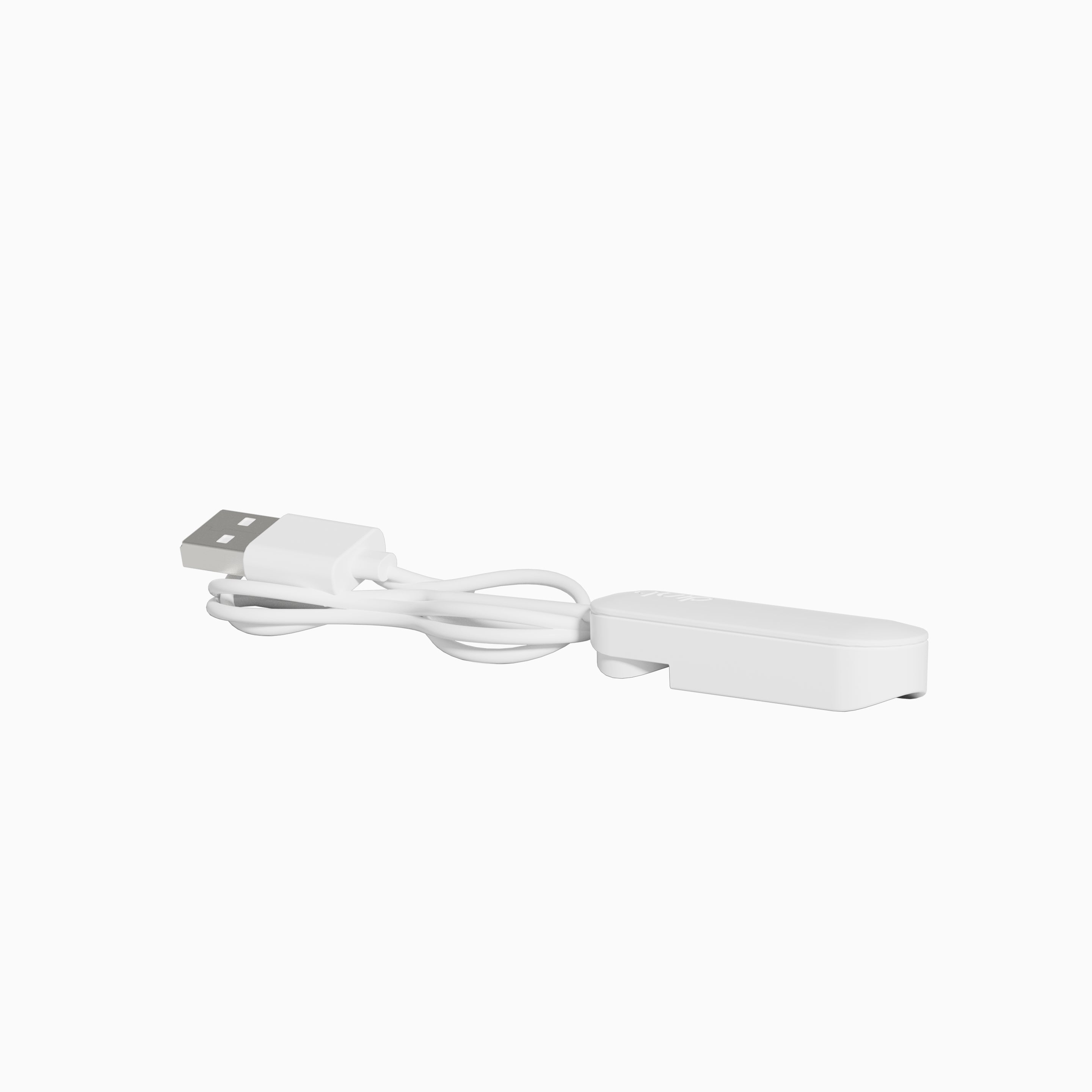
Compatible with the quip Rev Toothbrush
- Full charge in 8 hours, brush up to 30 days*
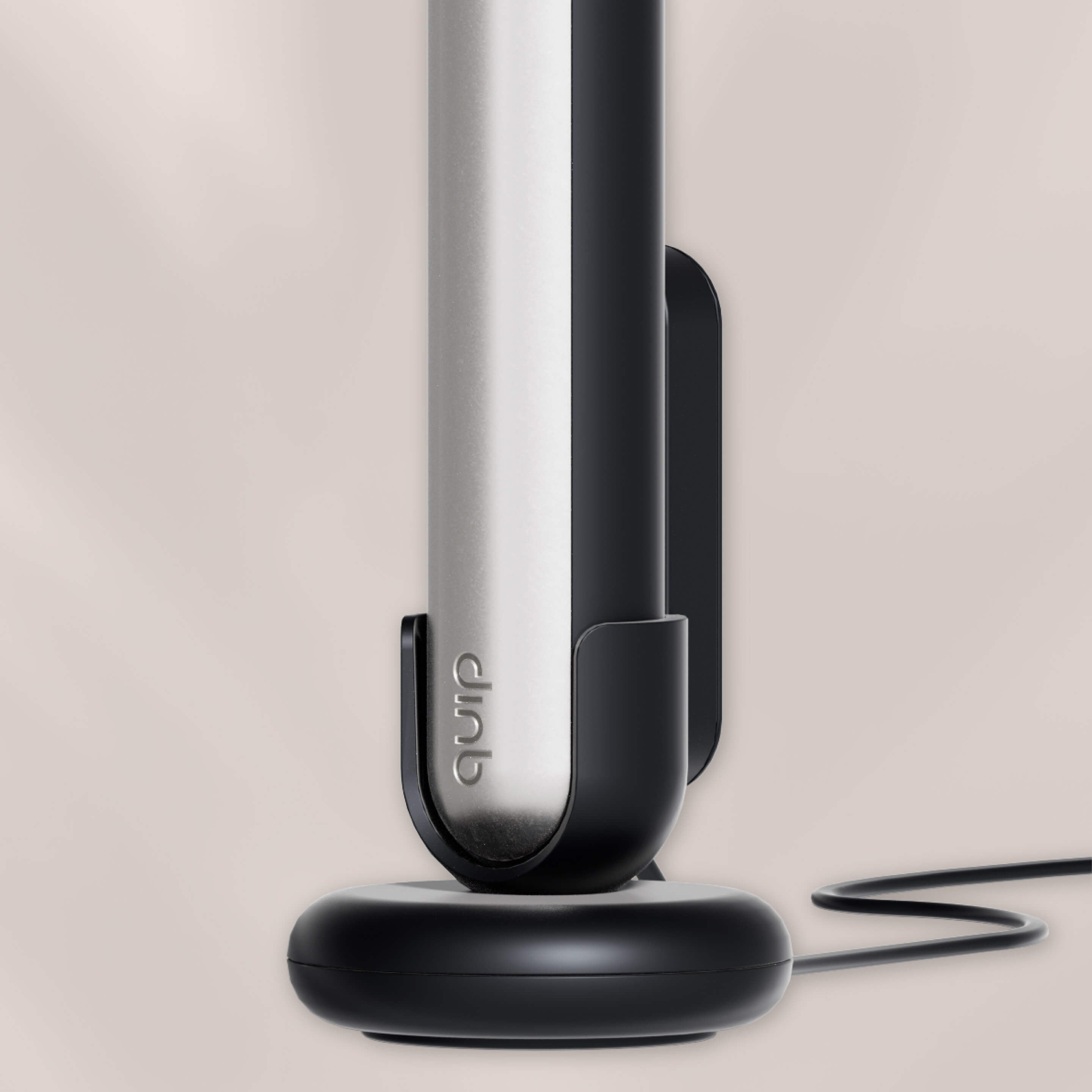
- Magnetically aligns to brush on mount, in stand, or lying flat
- 38” length, use with USB-A adapter (not included)
The Rev Charger Cable does not have a warranty.
Shipping & Returns
If you don’t absolutely love your quip product(s), we accept returns within 30 days of purchase for a full product cost refund (return shipping not included). quip subscriptions are optional and can be canceled at any time. See full terms.

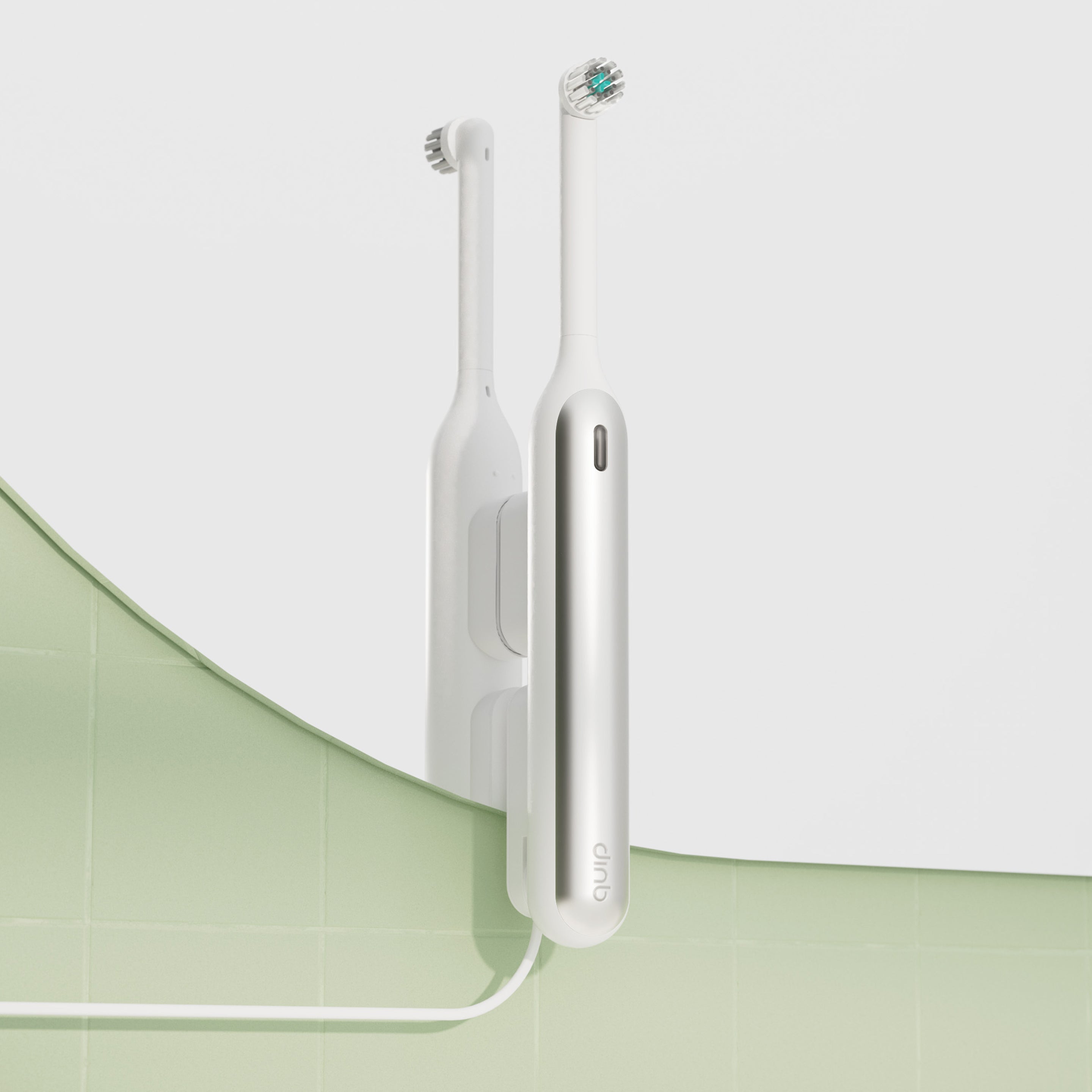
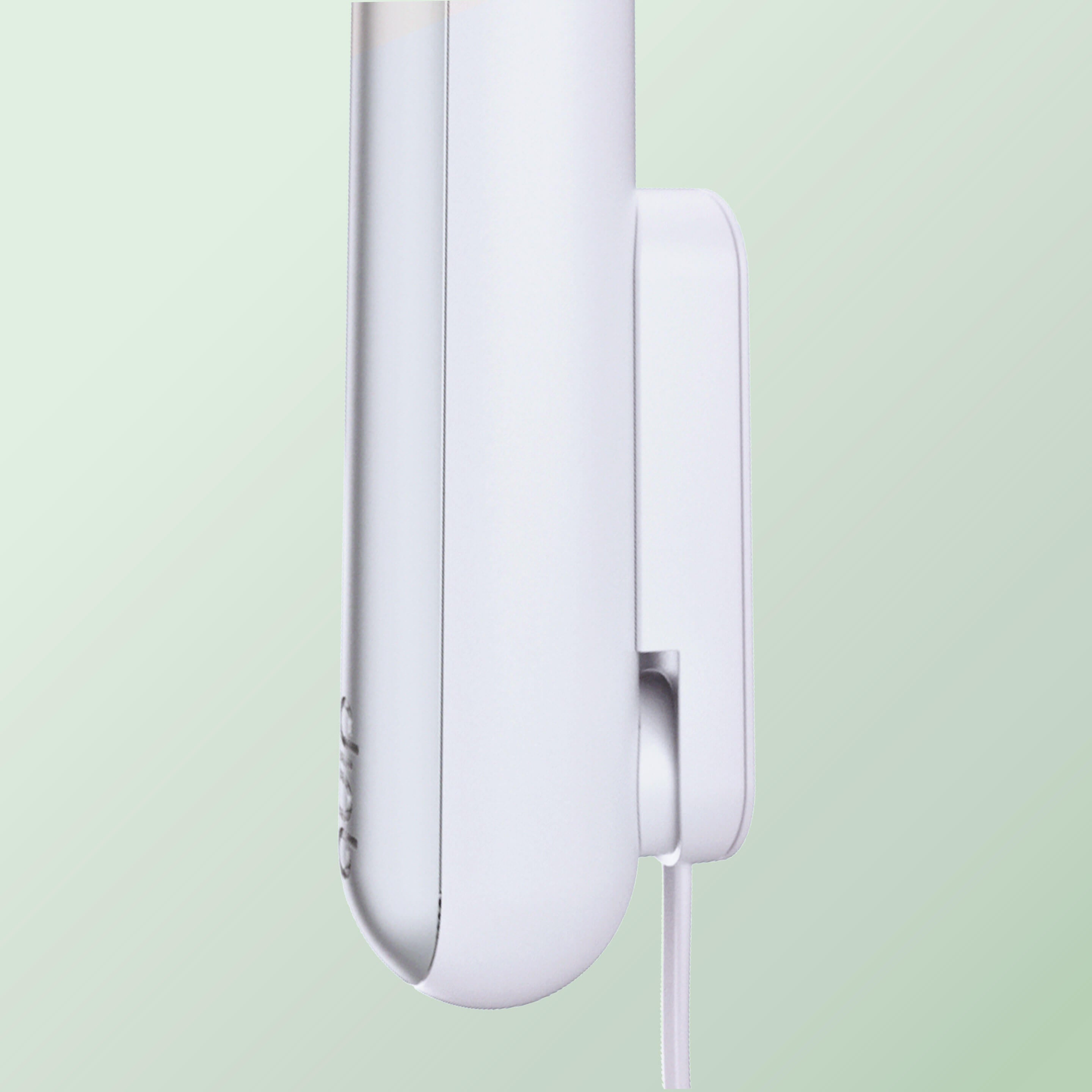
- Magnetically holds brush & charging cable
- Single-use mount for mirror, glass, or tile
- Less clutter, less mess (no bulky dock)

- Peel off the mount sticker, press to install
- Store brush daily, add charger as needed
- Wipe clean regularly, air dry, & enjoy!
FAQ
Frequently asked questions
Which toothbrushes work with the quip Rev Mirror Mount?
The quip Rev Mirror Mount can only be used with quip Rev Oscillating Toothbrushes and is not compatible with any quip Sonic Toothbrush.
On what surfaces can I install the quip Rev Mirror Mount?
The quipRev Mirror Mount can typically be installed on a smooth, flat surface like mirror, glass, or tile. Be sure to properly clean and dry the surface before you attach the mount.
How do I install the quip Rev Mirror Mount?
First, clean and dry a smooth flat surface like mirror, glass, or tile. Next, peel off the sticker from the single-use mounting tape. Finally, firmly press the mount onto the surface for 10–30 secs before storing your brush.
Your brush will magnetically snap on just above the charging area.
Can I charge my brush while it’s in the quip Rev Mirror Mount?
Yes! Your brush can be stored directly on the mount for daily use. When it’s time to recharge, snap the charging cable onto the lower handle of your brush below the mount.
How do I remove the quip Rev Mirror Mount?
To remove the mirror mount, grip the sides and twist firmly until it releases. Clean and dry the surface afterwards to remove any leftover residue.
Can I reuse the quip Rev Mirror Mount after installation?
No, the quip Rev Mirror Mount should only be installed once. If removed after installation, we recommend purchasing a new mount for the most secure fit and safe storage for your brush.
Does my quip Rev Mirror Mount have a warranty?
No, the quip Rev Mirror Mount does not have a warranty. If you have questions, get support in our help center.